
Searching for a Warrant in Greenville County
The Public Index is the first court-file search, not a live warrant roster. It covers trial-court records in Greenville County and can help identify a court agency, case number, party, action, and date. It does not replace calls to GCSO Warrant Services or the issuing Magistrate or Municipal Court.
Use the case number if it is known. Otherwise try a name with a small set of filters, then narrow by court agency and date. The official sources reviewed did not identify a public statewide name-search warrant system.
- Open the Greenville County Public Index, accept its disclaimer, and choose the court or party search that fits.
- Use Case #, name, party type, case type, action, or date. Results match all filters entered.
- For a city or Magistrate Court matter, call that court. The Circuit Clerk does not keep its summary-court file.
- For a General Sessions warrant, call GCSO Warrant Services at 864-467-5241; request copies separately through the Clerk or records office.
- For federal matters, search PACER. If a result may involve you, ask an attorney and the issuing court what action is required.
An inmate search can help only when the person may already be held. A records request can obtain copies, but neither route recalls a warrant.
GCSO Warrant Services Confirms Operational Status
The Greenville County Sheriff's Office says Warrant Services receives active warrants and maintains original warrants for service. Its listed number is 864-467-5241. Calls are answered during business hours; the source advises leaving a message if the line is not answered. This is a contact route, not a public name-search page.
For a time-sensitive after-hours question, GCSO directs callers to dispatch at 864-271-5210, option 8. That route does not replace the issuing court's instructions. Emergency calls go to 911. Keep these separate from the official tip form and Crime Stoppers, which take information but do not verify or clear a case.
GCSO's records request site is linked from its FOIA page.
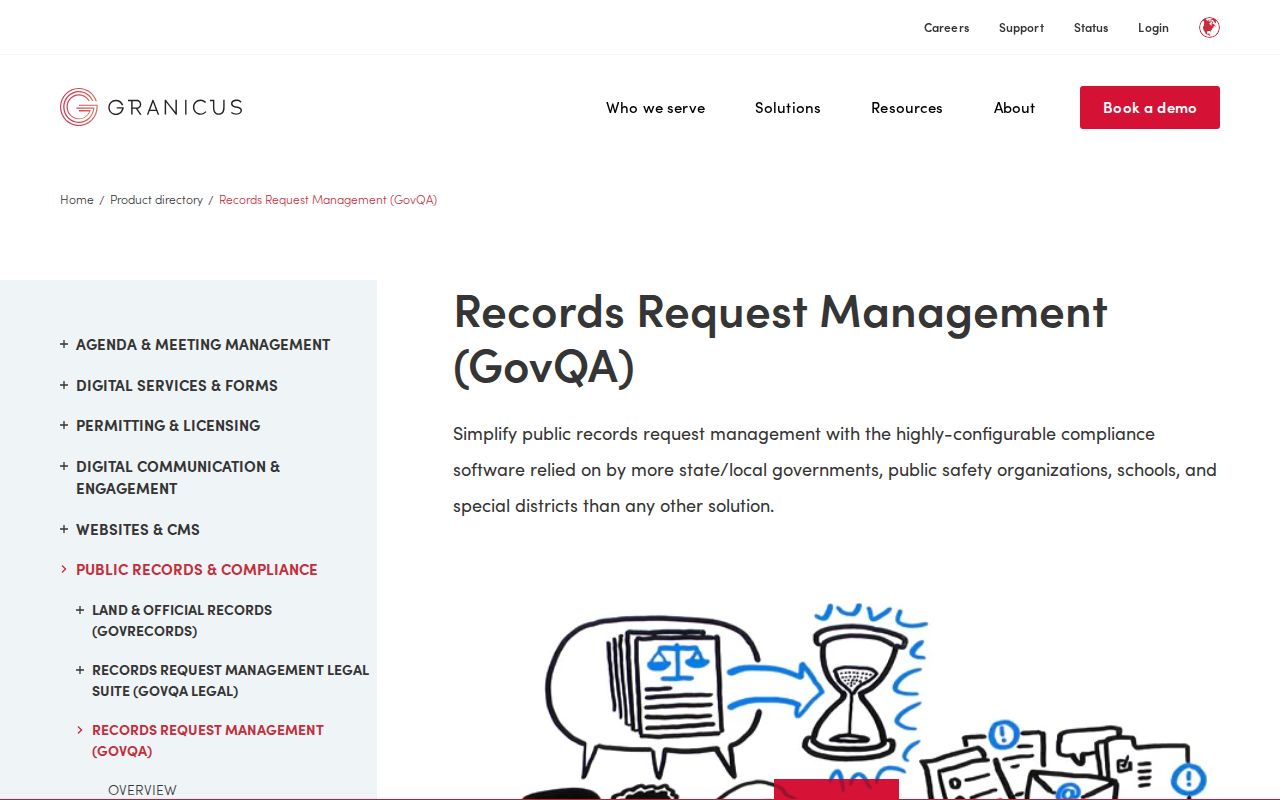
Use the request center for records copies, not as a warrant-status search.
Greenville County Warrant Search Fields Explained
The Greenville Public Index is a court case search. The official Judicial Branch guide shows fields for court, case, party, action, and date. A name-only result can be broad; using Court Agency and case type helps separate a city file from General Sessions or a Magistrate record.
The interface can match partial name terms, and all entered filters work together. Start with the known case number or one name field, then add only the details that help locate the right case.
| Field Label | Type | Required | Notes |
|---|---|---|---|
| Court Type / Agency | Choice field | Optional | Narrows the office behind the case. |
| Case # | Text | Optional | Clerk's label for a General Sessions arrest-warrant number. |
| Case Type / SubType | Choice field | Optional | Limits results to a case category. |
| Party name / type | Text and choice | Optional | Partial terms are supported; results match all filters. |
| Action / date range | Choice and date | Optional | Find a filing or event within a date span. |
Greenville County Arrest-Warrant Case Number
The Clerk's warrant-copy instructions contain a local naming quirk: the arrest-warrant number is called the “case number” in Public Index. If the paperwork has a warrant number, try it in Case # before assuming it needs a separate warrant-number field.
That mapping is specific to the Clerk's General Sessions files. A city traffic ticket or a Magistrate Court matter can use a citation or court-specific number instead. Read the court agency and case type, then give the same identifier to the office named on the record.
What a Warrant Search Shows
A Public Index result can list the party, case number, court agency, filing date, case status, disposition date, type, subtype, and judgment number. Opening the case number may reveal Actions and financial tabs. What appears depends on the court and the access allowed for that case.
Read the action label and date before drawing a conclusion. A warrant filing, a bond event, a payment, and a disposition answer different questions. The index is a case trail, not a live statement that a warrant can still be served.
| Case number | Case # The Clerk maps this label to a General Sessions arrest-warrant number. |
|---|---|
| Court agency | Shows which court's case trail you opened. |
| Type and subtype | Describe the case category in the result grid. |
| Action | May show a warrant, bond, recall, return, or later filing. |
| Dates and status | Filed, disposition, and service dates are not interchangeable. |
Greenville County Detention Search Is Not a Warrant Search
Greenville County's inmate search is intended for a person who may already be confined. The Detention Center FAQ says available information can include charges, warrant or ticket numbers, case numbers, arresting agency, trial judge, bond or sentence, and holds. Its disclaimer warns that information changes quickly and is not an official court record.
A person not returned by that search may still have a warrant. Use the issuing court or GCSO to verify status. Do not treat a detention result as a full search of court filings or warrants held for service.
The County's disclaimer appears before the inmate search.
This image shows the access notice, not a person's booking record.
Where to Check Warrants in Greenville County
Start with the office named on the case. The Clerk of Court handles General Sessions copies and court filings. GCSO Warrant Services is the operational channel for active warrants it receives. Magistrate and Municipal Courts answer for their own summary-court warrants; police records belong with the agency that made the report.
No statewide public name-search warrant database was identified. For federal matters, use the U.S. District Court or PACER. A county Public Index search cannot cover every city, agency, juvenile, sealed, or federal record.
For an address-based Magistrate Court route, use the county's GIS service-area locator.
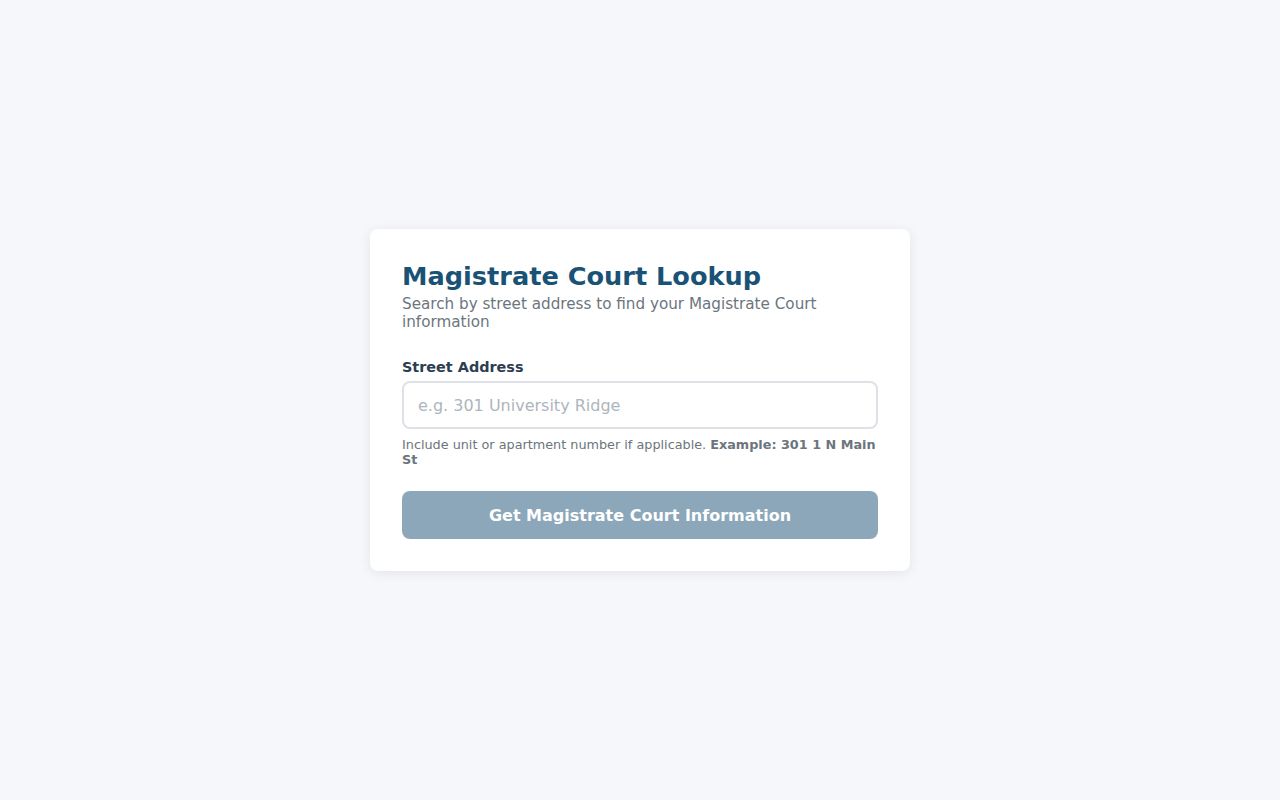
The map identifies a court area; it does not report warrant status.
What If a Greenville County Warrant Search Is Blank?
Try the known case or citation number, remove filters that may be too narrow, and check Court Agency. If the matter is a city or Magistrate Court case, contact that issuing office directly. The County Clerk says it does not retain Magistrate or Municipal Court files.
A blank search can also reflect recent processing, a dismissed or sealed filing, juvenile confidentiality, or records held by a law-enforcement agency. If a copy is needed, the GCSO Public Records Center accepts requests, while the issuing court handles current case instructions. Keep the request specific and do not post personal details publicly.
Restricted Warrants and Access Rules
Public Index access does not mean every filing or document image is open. The Clerk lists sealed, dismissed, juvenile, adoption-related, and legally prohibited records among the limits on copying; identifying details can be redacted. General Sessions case information may be visible even when images are not.
South Carolina FOIA provides a public-record request framework with exemptions. Juvenile court and child-identifying law-enforcement records have added limits. Ask the responsible office what can be released and where a request belongs.
Key rules:
S.C. Code §§ 30-4-30 and 30-4-40 set access and exemption rules for public records.
S.C. Code §§ 63-19-2010 and 63-19-2030 protect juvenile court and child-identifying records.
A missing online result does not prove that no warrant exists; confirm with the issuing court or sheriff.
The Clerk's access page explains which filings may be restricted.
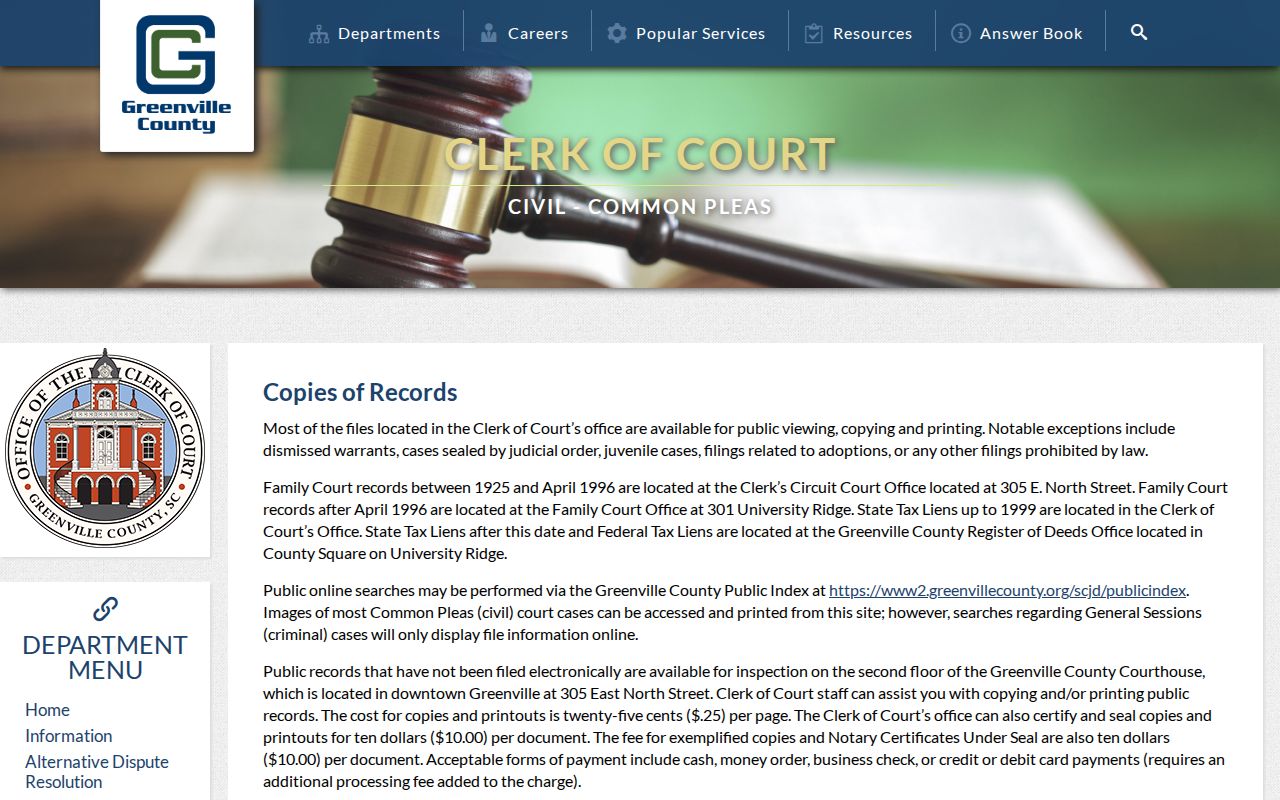
Request the specific record from the office that holds it.
Three Numbers for a Greenville County Warrant Call
Write down the case or warrant number, any indictment number, and the citation or ticket number. Add the court agency and the date on the notice. These labels differ by court; a ticket number may not be the same as a General Sessions case number.
Give identifying information only to the official office when it is needed to locate the file. If you do not know which court handled the case, share the location and paperwork details with the Clerk or use the GIS locator to find a likely Magistrate Court.